
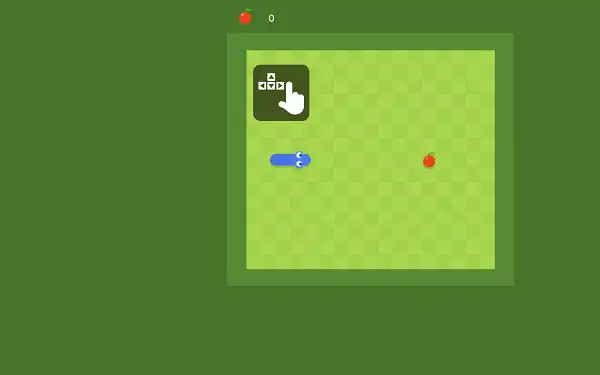


Google Snake Doodle is one of the most successful browser-based recreations of the classic Snake formula. Originally Google released it on September 27, 2017 as part of the company’s 19th Birthday celebration inside Google Search., the game transformed a simple arcade concept into a polished browser experience that millions of players could instantly access.
How to Play Google Snake
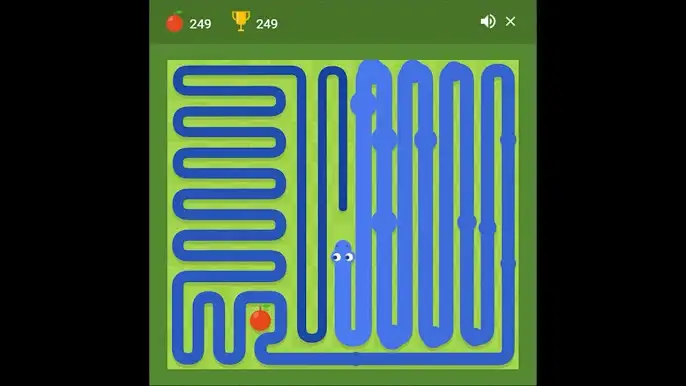
Your snake starts small and moves automatically. Steer it toward apples using the arrow keys on desktop or by swiping on mobile. Every apple eaten adds one segment to your body, making the snake longer and every future turn a little tighter.
The run ends the moment you hit a wall or run into your own tail. Your score equals the number of apples collected. No lives, no second chances — when the run ends, start fresh and go again.
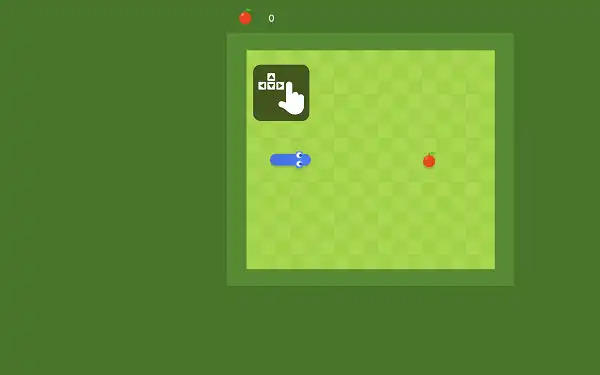
Controls
| Action | Desktop | Mobile / Tablet |
|---|---|---|
| Move Up | ↑ Up Arrow | Swipe Up |
| Move Down | ↓ Down Arrow | Swipe Down |
| Move Left | ← Left Arrow | Swipe Left |
| Move Right | → Right Arrow | Swipe Right |
| Start Game | Click the Play button | |
| Daily Challenge | Click the Daily Challenge button | |
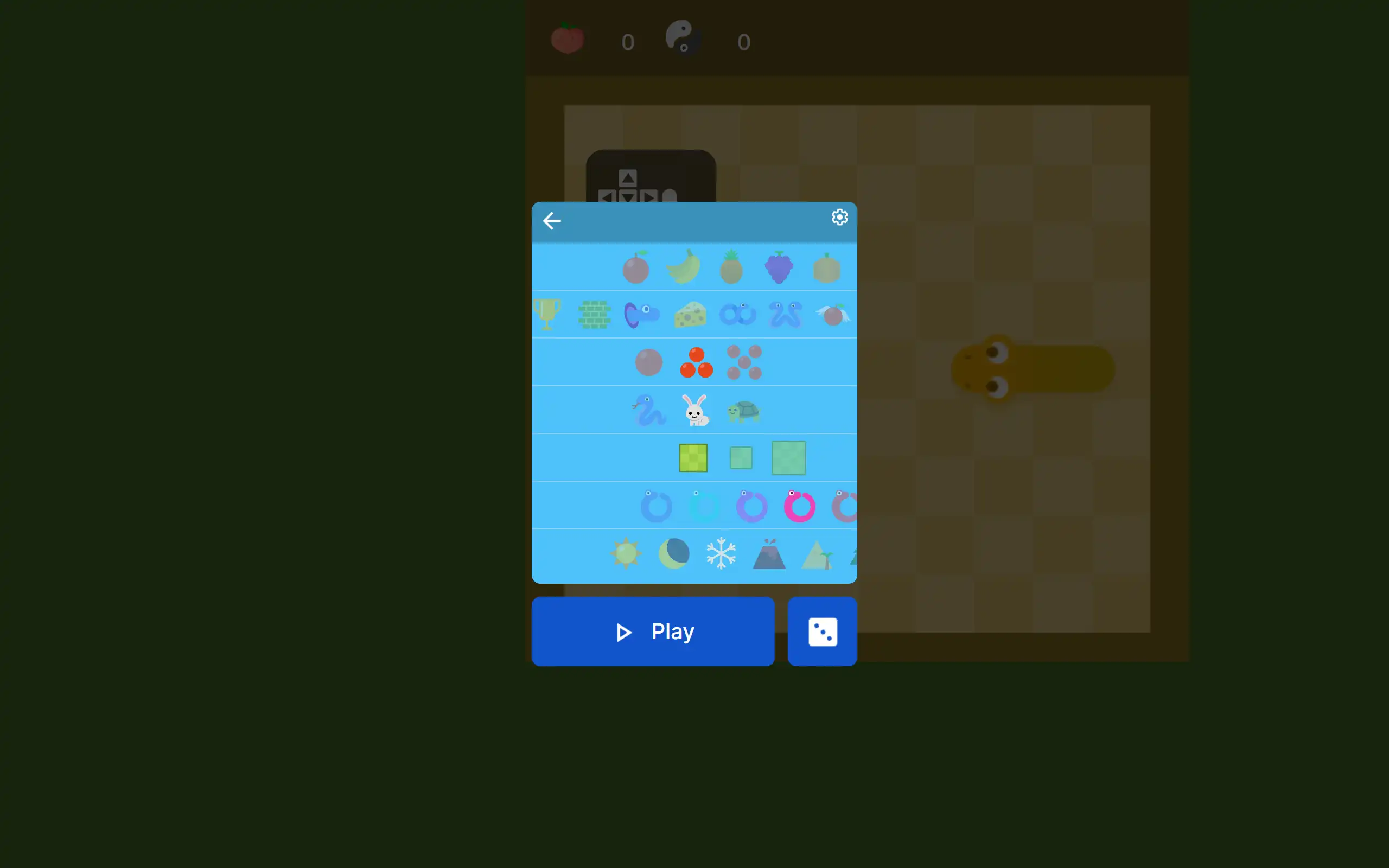
| Open Settings | Click the ⚙ Settings icon | |
| Randomize Settings | Click the Shuffle button | |
Game Modes
Classic Mode is the open-ended game — no time limit, no target score, just survive as long as you can. Apple positions are random every run, so no two games play the same. It’s the mode most people come back to for a quick personal best.
Daily Challenge drops a brand new objective every day — hit a target score, survive for a set time, or complete a run under specific settings. The challenge resets at midnight, you can retry it as many times as you like, and finishing it earns a trophy. It’s the best reason to open the game even after you’ve already beaten your Classic record.
Tips to Score Higher
- Don’t beeline for the apple. No timer is running. Take the safe route, not the direct one — a bad shortcut ends the run instantly.
- Always have an exit planned. Before every turn, check you have somewhere to go after it. A blocked escape route two moves later kills more runs than bad reflexes.
- Work the edges first. Clearing the perimeter early keeps the center of the board open when the snake gets long and space gets tight.
- Think about where your tail is heading, not just where it is. Your tail moves forward one segment every turn. The gap that looks open now might not be open when you arrive.
- Learn on Slow speed. Spatial planning matters more than reaction time early on. Master the grid logic before pushing up to Fast.
- Use Small board for practice. Short, cramped runs teach tight navigation faster than wide-open long games on a Large board.
A Quick History
The Snake concept started as Blockade, a two-player arcade cabinet by Gremlin Industries in 1976. Finnish engineer Taneli Armanto turned it into the mobile classic in December 1997 when he built Snake for the Nokia 6110 — a phone that shipped with it pre-installed on over 400 million devices worldwide. It was the first game billions of people ever played on a phone.
Google released its version Google Doodle celebrating the company’s 19th Birthday celebration.
Other Doodle Games
- Google Pac-Man Doodle
- Doodle Cricket
- Doodle Baseball
- Google Solitaire
- Google Minesweeper
- Google Block Breaker
Frequently Asked Questions
What is the Google Snake game?
Google Snake is a free arcade browser game where you guide a growing snake around a grid, collecting apples to score points while avoiding walls and your own tail. Google released it on September 27, 2017 as part of the company’s 19th Birthday celebration inside Google Search.
How do I control the snake?
Arrow keys on desktop — up, down, left, right. Swipe in any direction on mobile or tablet. The snake changes direction immediately on each input.
What is the Daily Challenge?
A fresh challenge published every day with a specific goal — reach a target score, survive for a set time, or finish a run under specific settings. It resets at midnight, can be retried as many times as you want, and earns a trophy when completed.
Can I change the speed or board size?
Yes. Open ⚙ Settings before starting. Speed has three levels: slow, medium, and fast. Board size has three options: small, medium, and large. Both genuinely affect how the game plays, not just how it looks.
What ends the game?
Hitting a wall or running into your own tail ends the run immediately. There are no lives — the game restarts from scratch each time.
What are trophies?
Achievements unlocked by reaching score milestones in Classic mode and by completing Daily Challenges. They appear above the game and give you long-term goals to work toward.
Can I play on my phone?
Yes. Swipe to steer on any touchscreen. No app to install — it loads directly in your mobile browser.
Is it free? Do I need an account?
Completely free, no account required. Click Play and the game starts immediately.
Doodle Games